
Monthly Archives: December 2013

The Second Screen

tonight

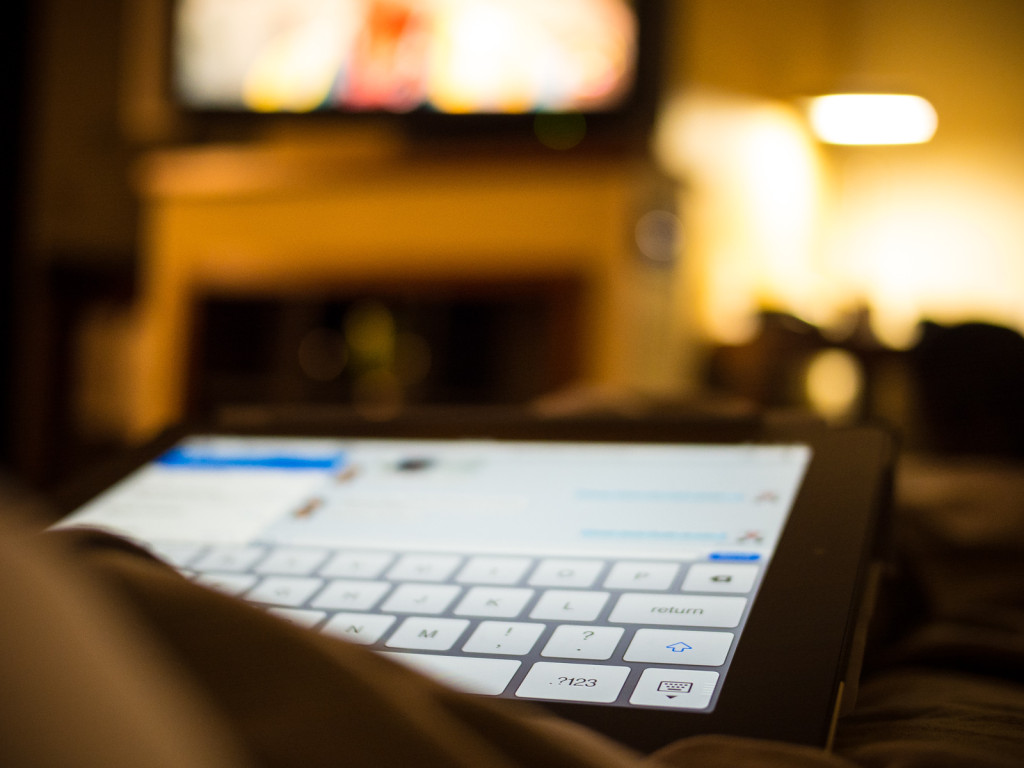
*Photo by Robert S. Donovan: http://www.flickr.com/photos/booleansplit/

How many times have you grabbed your tablet or laptop while watching one of the too many crime shows on television because you wanted to google something you saw to see if it was true? Did you watch the rest of the program with your technology in-hand, your attention vacillating between screens? If  yes, then you’re definitely not alone.

A while ago, television networks figured out that huge portions of viewers watch shows on their television- while using a laptop, tablet or smart phone in one way or another. Viewers had Facebook and Twitter open and sometimes visited program websites. Basically, people are able to consume content from more than one screen at a time. One response was to give shows, even individual episodes their own hashtags encouraging audiences to interact with each other during programming. Some websites began including the supplementary content they thought people would look up on their own anyway.

The great thing about this technology is that it’s mobile. Very few people sit at a desktop while watching television, it’s just not as comfortable as watching our favorite shows from the sofa, recliner or bed. Nearly everybody who’s got a web-enabled mobile device brings it everywhere with them. We’ve also been seeing these devices at lectures, presentations, sporting events, political rallies- you name it- for years now. And as event planners are wising up to harness this technology, we’re seeing the second screen come in to play in all kinds of places.

Have you ever been to a sporting event and had lacked a decent view of the jumbotron or whatever giant(ish) screen the venue used for replays and all the extra facts about a player or the game itself? Frustrating, isn’t it? Wouldn’t it be better if you could just glance at your phone and see what’s going on? Political events aren’t any different. We’ve all listened to someone that we support and have still felt the need to look something up just to make sure they weren’t exaggerating, even just a little. How would you, as part of the voting public feel if a candidate pushed sources from his speech directly to your phone while speaking? Would that increase your trust in them and their causes? It’s better than trying to remember what to look up when you get home, isn’t it?

TEDxHelsinki: audience

*Photo by Mikko Reinikainen: http://www.flickr.com/photos/mtreinik/

This is the second screen. It’s supplementary in so many situations.

2013 brought about a huge adoption of BYOD (Bring Your Own Device) in the workplace and at events. People prefer to use the technology they’re familiar with. Thus far, predictions are pointing toward increased use of audience devices to get people engaged during events in 2014. Unfettered access to wifi and charging stations have already become mandatory at any noteworthy event, because nothing’s worse than trying to work with substandard wifi or panicking over nearly dead devices then fighting with a perfectly nice stranger who needs the same outlet you do for exactly the same reason.

The way we experience events (even remotely) will change as planners think ahead and encourage us to engage online- realtime. Really, there are only two ways to engage users on their own devices. Planners and presenters can enable them via web browsers on devices or using apps. A differentiator in which will succeed and which won’t is the ease of getting connected. Few people will jump through hoops to get connected- even during an event.

As a second-screen app, SlideKlowd approaches this a few different ways.

First, if the event required registration and the event planners know their audience’s email addresses, they can simply upload all of them into the platform (with minimal effort) and send every attendee on their list an invitation. Using this, any participant can get content sent to their “second screen” with just one click.

Screen Shot 2013-12-31 at 10.52.24 AM

Otherwise, participants can join a presentation by going to join.slideklowd.com, logging in and using the Klowd Key that was created by the presenter or event planners. It’s that easy. Event planners have other options to make sure the right people are joining presentations by making them invite-only or filtering by participant email domain (@yourcompany.com, for instance). SlideKlowd offers a number of features to compliment the second-screen nature of the platform, too. Because as event planners are still learning, engagement is more than offering more content- it’s also hearing what your audience has to say.

Passive Listening Isn’t Actually a Thing

Workshop

Some of us talk back to the television. We must. We can’t simply sit still to take in the action and dialogue, but we have to share our opinions, express our outrage and vocalize all of the joy we find in whatever program or movie we’re watching. If we find ourselves not in front of a screen, but instead listening to some sort of speech or presentation, we might still insist on sharing commentary with anyone nearby who’d listen. But, not everybody is like that.

Some viewers are content to sit back and let the plot of whatever sitcom or romcom happens to be on wash over them. Some geniuses were paid to write this stuff, right? What could I possibly contribute to the story? Maybe this is fine, but that same kind of passive consumption has made its way into our workshops, classes, conferences and meetings.

Placid consumerism doesn’t belong in any kind of an educational environment. The notion of an audience quietly sitting, eating up every little thing some guru at the front of the room says seems natural enough to many of us, but that’s only because from childhood, most of us have been (unhelpfully) trained to not interrupt our teachers. We’ve been told that we can ask questions near the end of or after class. Work might be just as bad- nobody wants to speak over their supervisor or the company CEO, right?  Well, even if the smartest man in the world is speaking, simply sitting there listening to him is much less educational than you’d think. Benjamin Franklin said,

Tell me and I forget.
Teach me and I remember.
Involve me and I learn.

If you’re a teacher, trainer, coach or have any involvement in educating people at all, you want them to learn. Rote memorization might help an individual pass a test or get licensure, but when your pupil has to do something, they’ll likely need more than facts. They’ll need an understanding that is incredibly difficult to attain by listening alone.

So what do you do? You invite people to make comments. Ask questions. To actively engage the subject at hand, because that helps them think about it and understand it. Maybe talking back to the television is weird (it totally is) but the people who do it are engaging both characters and plot and they have a more impactful experience than the person who stays quiet the entire time. SlideKlowd helps you bring that out in your classes and audiences, minus some of the social weirdness.

The SlideKlowd platform provides new avenues for interaction, using a participant’s smart phone, tablet or laptop. Personal devices become the mechanism for not only consuming content, but responding to it as well. SlideKlowd allows users to interact with each other via the Comment Stream, Facebook and Twitter. They also have the ability to ask a presenter questions, which help them get what they need or want out of a presentation. Finally, the presenter can add any of the 11 different interactions in the platform to a slide to gather information from an audience or to increase interaction, attention and therefore retention of the subject.

*Photo by Heinrich-Böll-Stiftung: http://www.flickr.com/photos/boellstiftung/

Less is More

clock“I wish that presentation was longer.”

Said no one. Ever.

Too many meetings, pitches, classes and workshops eat up more time than they really ought to. All of us movers and shakers have stuff that we need to get done. We have industries to disrupt and masterpieces to finish. Then there are naps to be had. And the rest of life that’s waiting outside of the conference room, auditorium or classroom.

So, when it’s your turn to share your vast knowledge of molecular physics, quantum chemistry or celebrity gossip, you have the opportunity to do your audience a favor. Maybe more. We’ve got a couple of insights to help make your presentation succinct but impactful.

Less is more
Probably every person who’s ever presented or taught is guilty of trying to fit too much into whatever amount of time they have. We’re passionate about things and want to share every drop of knowledge we have about a subject. We tell ourselves, “The people need it!” And we want to make sure they understand it all, too. So we stuff too much into a presentation and then either go over on the allotted time or have to cut some really awesome stuff out when people get up and start to leave because they have to get to that next session, class or presentation.

How many points are you trying to make? Keep it at about three. Yeah, that that isn’t very many. But if you want your audience to remember everything you’ve said, you’ll keep it simple.

Focus
Moby Dick is a great story- but a terrible (awful, horrible, annoying) book. Know why? Because Melville thought it was appropriate to write whole chapters about the migrating patterns of sperm whales, crows nests and other stuff that didn’t drive the story. Get rid of the asides that not only distract, but consume valuable time.

People check out when you go off on unhelpful tangents. We have proof. The SlideKlowd platform records and measures engagement using your audience’s smart phones, tablets and laptops. When an audience member connects to your presentation using SlideKlowd, the platform knows when their devices go idle or go elsewhere. Because that’s what we do when we’re bored- we grab our mobile technology and check our email, Facebook and watch funny cat videos.

After you’re done with your presentation, you can look at where audiences were most- and least engaged. Adjust your presentation accordingly and you’ll find that people listen, engage and learn more. Because we think you’re actually really good at this, you can also monitor engagement right from the presenter control panel. If you see the numbers start to drop, maybe you should consider moving on to the next topic, or asking your audience to help you adjust your presentation right then and there.

Adjust
If you have to fill four hours with your knowledge, ask the audience to direct your talking points. That way, they’re not hearing things they already know, but they’re getting new or challenging information. The SlideKlowd platform helps you do this in a number of ways. First, they can ask questions or make comments using their personal technology. As the educator or presenter, you’re free to respond to the good ones and ignore the dumb ones.

If you want to have a little more control over the situation, poll your audience. Ask questions like,

How much do you know about _____?

Does your job require you to know about _____?

Which of the following most interests you?

A) _____

B) _____

C) _____

D) _____

Would you rather I share about  _____ ,  _____ or _____?

The best presenters will ask questions like these throughout their presentations. The SlideKlowd platform even accommodates spur of the moment ideas by enabling a presenter to add an interaction while running a presentation. That way, you can always keep things interesting. It’s kind of like those choose your own adventure novels.

Ted talks are never very long, but so many of them have left lasting impressions on the people who’ve listened to them. So don’t be afraid to go short. But remember, SlideKlowd has all kinds of ways to help you and your audience make the most of the time you have together. 

*Photo by Michael: http://www.flickr.com/photos/29254399@N08/